Education & learningCC materials are available for use in Australian classrooms and lecture halls by teachers and students.
Arts & creativityAustralian creators in any artform can benefit from sharing their creativity with the world using CC licences.
Research & dataPublicly funded research articles, data sets and other research outputs stay open to everyone with CC.
Government informationAustralian governments use CC to promote accountability, transparency and innovation.
Cultural heritageCC’s tools help Australians discover and access the rich and diverse heritage in our cultural collections.
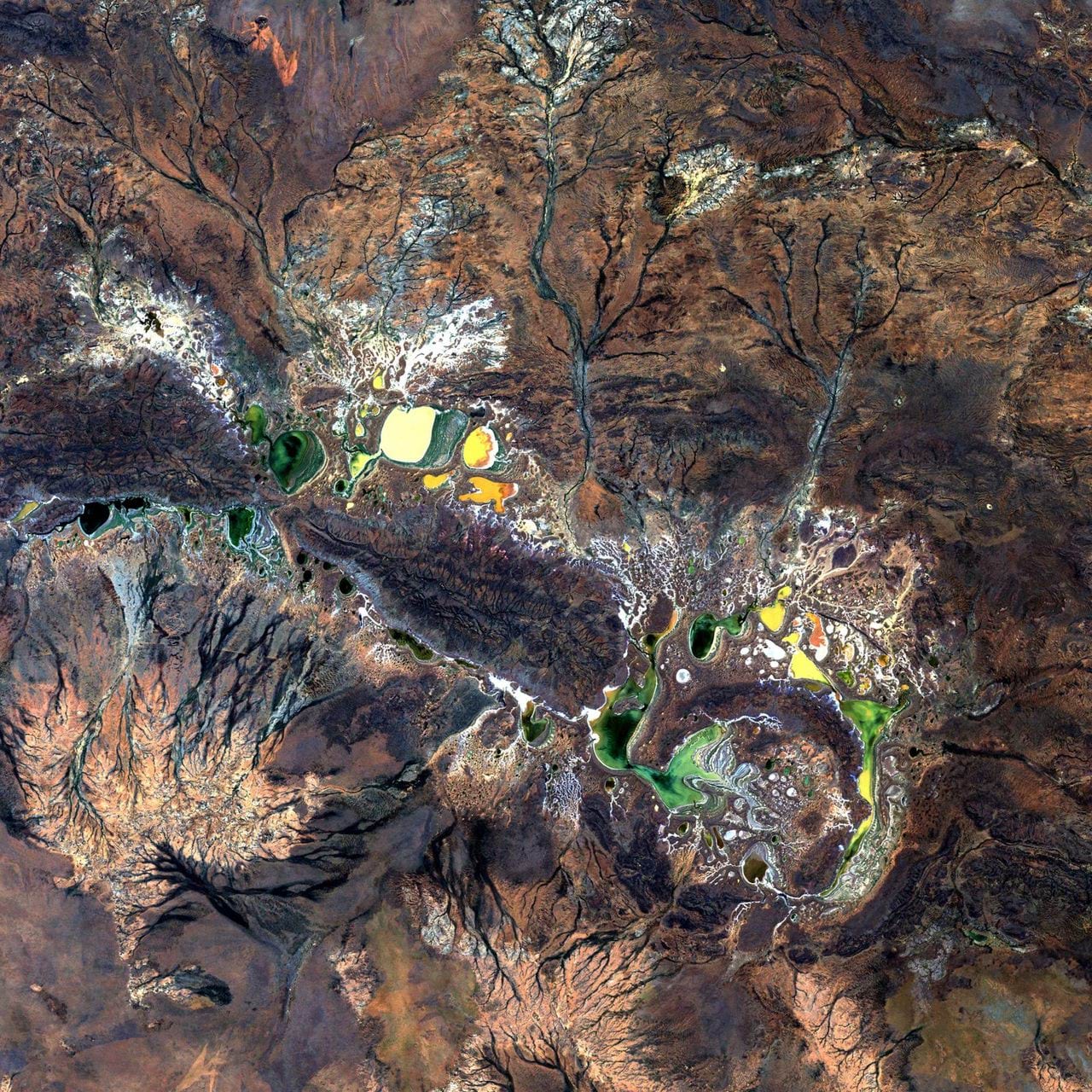
Digital Earth Australia’s satellite imagery and dataGeoscience Australia’s Digital Earth Australia creates free and open satellite data products for the benefit of Australia that are released under an Attribution (CC BY) licence.
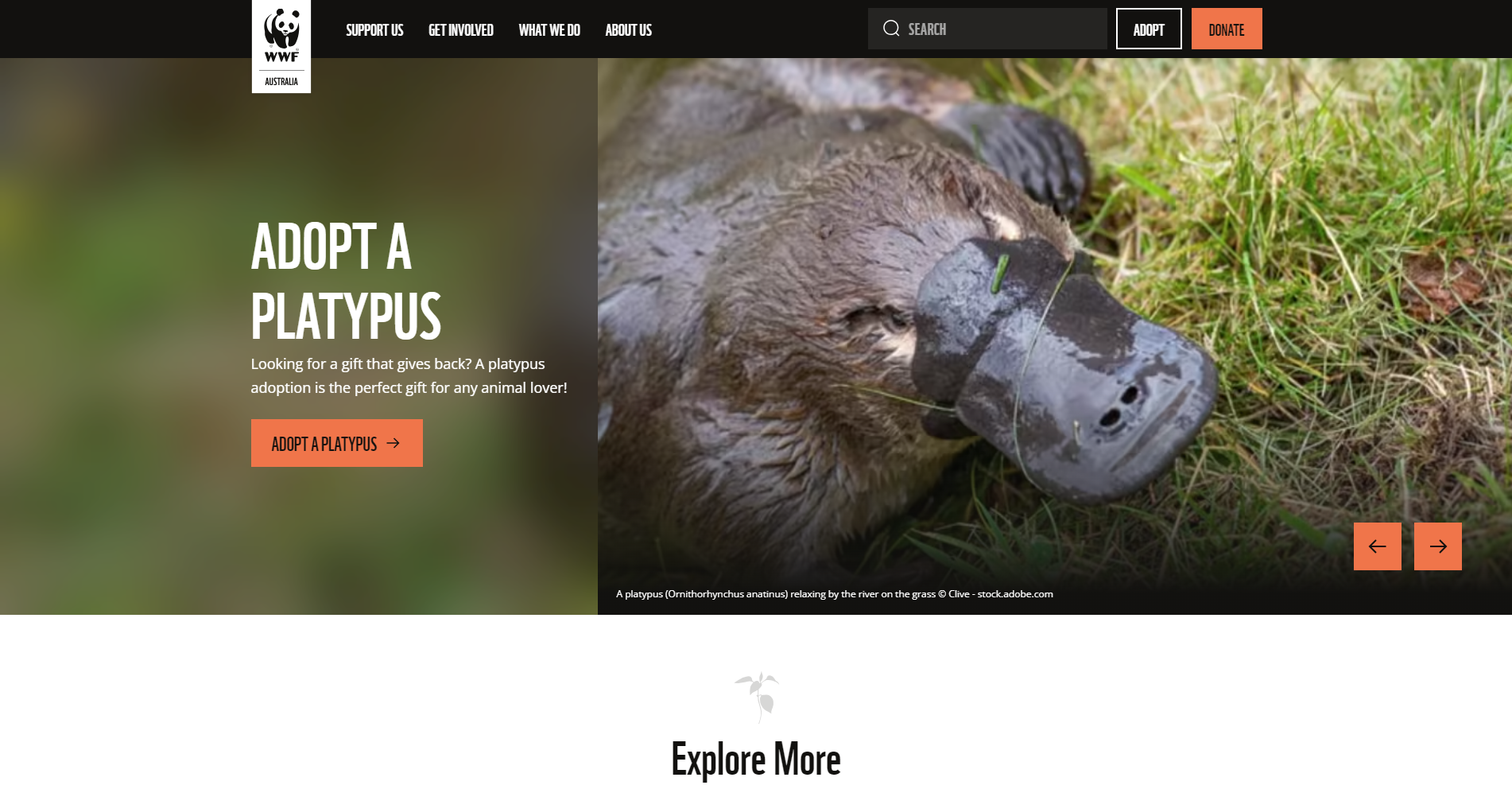
WWF-Australia website textText published on the WWF Australia website is available for noncommercial reuse.